 Links
Links9.9.21, 08:04 - nintendo
gepostet von web doc
gepostet von web doc
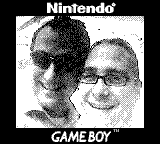
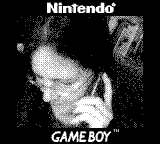
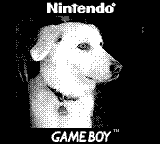
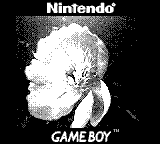
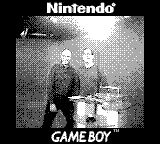
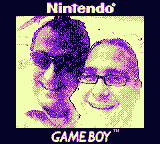 This is a little excurse in how to get a nicer color into your gameboy camera pictures.
The original pictures have a fixed 4 color greyscale palette. For example black, dark grey, light grey and white (or in values: #000000 #555555 #AAAAAA and #FFFFFF).
To make this more eye friendly, you can use any paint program to alter the colors. Very easy to use is the online pixel editor of lospec. ( https://lospec.com/pixel-editor/app )
They even offer some pretested Gameboy palettes. ( https://lospec.com/palette-list/tag/gameboy )
The more elegant way is to change all pictures with one line of code.
I suggest you first find a palette that does not hurt your eyes.
Now we need a translation table in the format
#000000 #060329#inputcolor #outputcolor - for all 4 colors (use a color picking tool or see the instructions below if you are very lazy...)
#555555 #8D25DF
#AAAAAA #EC93C9
#FFFFFF #F2FFB0
Save this table to a file called mapped.txt
Now you can use the excellent script called 'mapcolors' http://www.fmwconcepts.com/imagemagick/ ... /index.php
./mapcolors -m -f mapped.txt original.png colorized.pngThis produces a colorful picture out of any original greyscaled gameboy picture... tadaaaaa
As I am not happy with the manual solution, I use the command line to obtain the color values and write the table...:
1. Extract the colors of a picture with one line of imagemagicks 'convert' tool:
convert colorized.png -unique-colors -scale 1000% palette.pngThis outputs a little 'palette.png' just containing the 4 colors.

2. The used colors in your palette can be cut out by
identify -verbose palette.png |grep 100 | cut -d " " -f7 |cut -c -7 |sortDo this for the original picture and the eyefriendly picture. Now we have four original color values (#000000 #555555 #AAAAAA and #FFFFFF ) that have to be changed to the new ones in our examlpe above ( #060329 #8D25DF #EC93C9 #F2FFB0 )
3. Save both, the original and the new color map into files and merge them.
paste -d\ original.txt neu.txt >mapped.txt
4. And here is the final solution: extract the colors and create the table all you need are the original.png and colorized.png :
convert original.png -unique-colors -scale 1000% originalpalette.pngThe new file is the Translation Table
convert colorized.png -unique-colors -scale 1000% palette.png
identify -verbose originalpalette.png |grep 100 | cut -d " " -f7 |cut -c -7 |sort >original.txt
identify -verbose palette.png |grep 100 | cut -d " " -f7 |cut -c -7 |sort >neu.txt
paste -d\ original.txt neu.txt >mapped.txt
I've spend too much time on this :D
 kommentare anschauen (abgeben derzeit deaktiviert)
( 7567 mal angeschaut )
| Permalink
kommentare anschauen (abgeben derzeit deaktiviert)
( 7567 mal angeschaut )
| Permalink
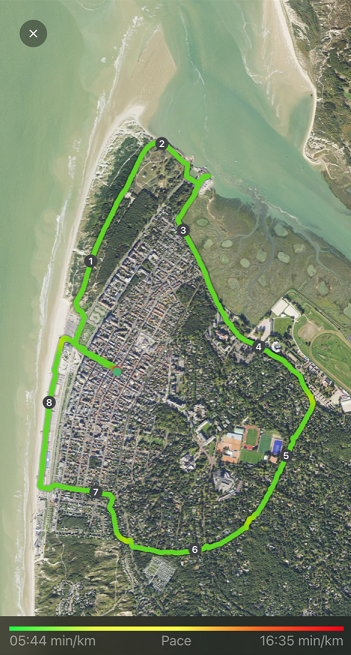
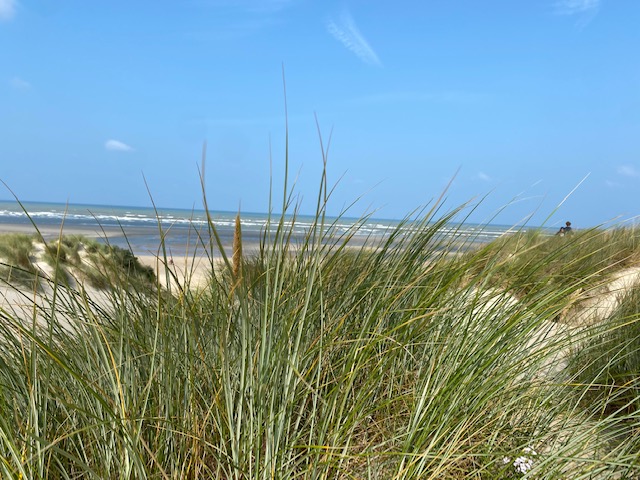
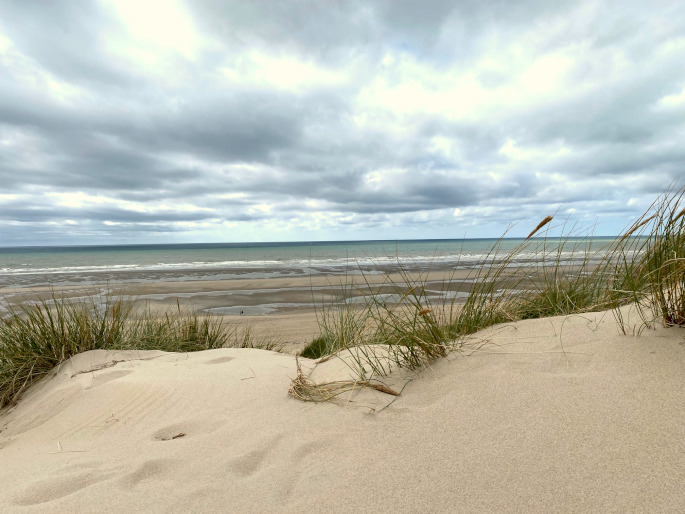
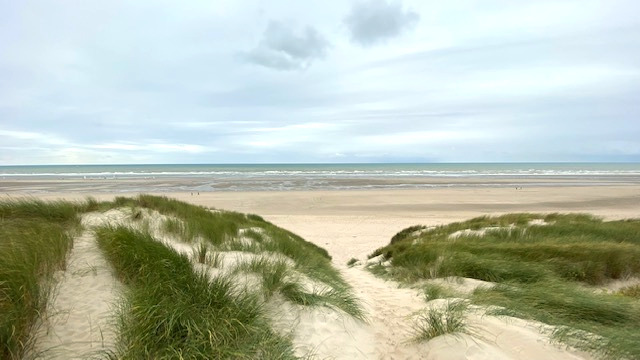
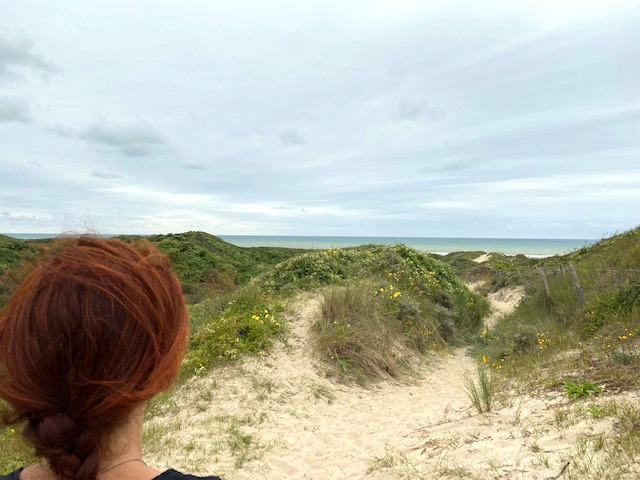
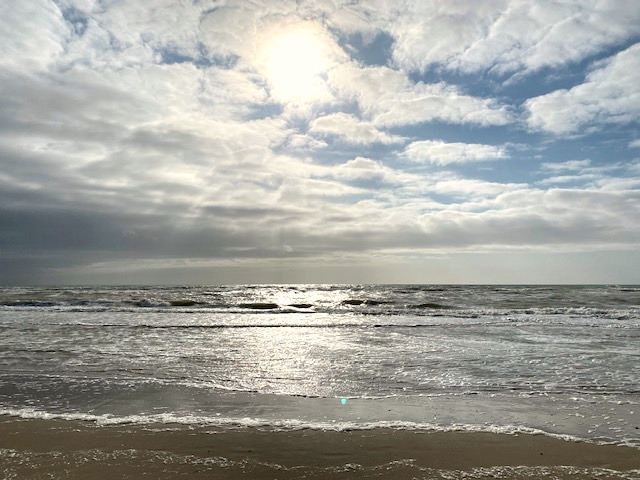
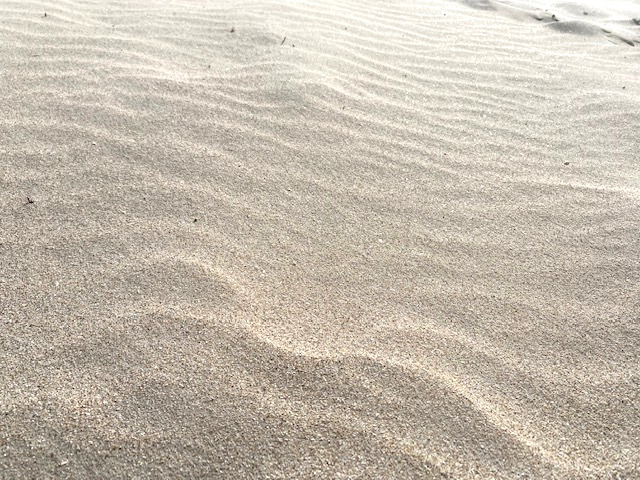
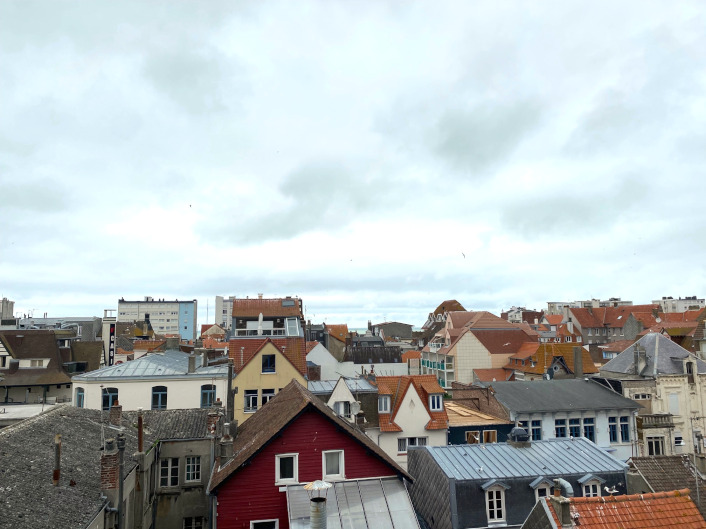
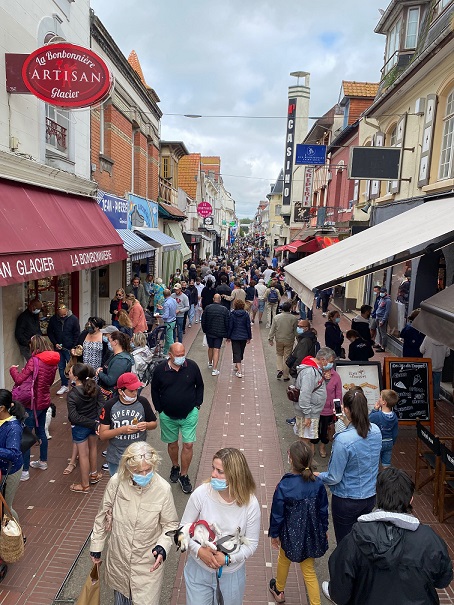
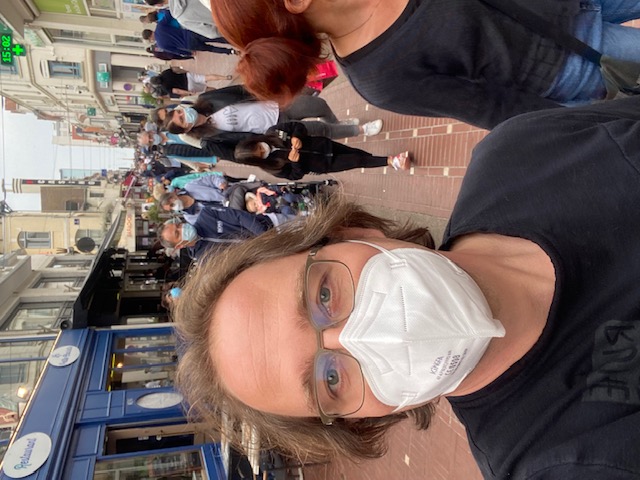
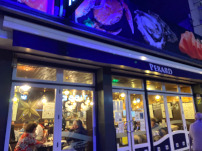 Der Ort lebt vom Tourismus. Das Restaurantpersonal und die Ladenbesitzer sind aber, anders als ich es von anderen Touriorten kenne, immer super freundlich und zuvorkommend. Dass man kein Französisch spricht, löst keine Abneigungen aus.